Google Slides Template - Network: A Versatile Design Tool
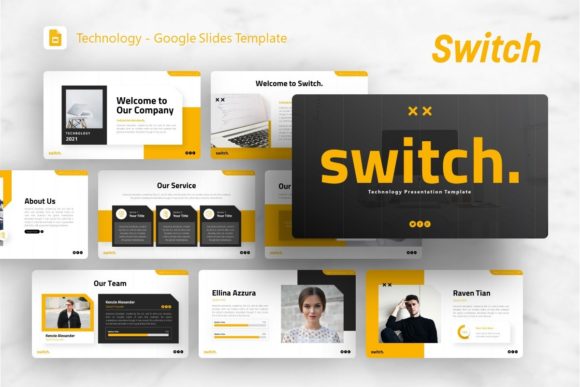
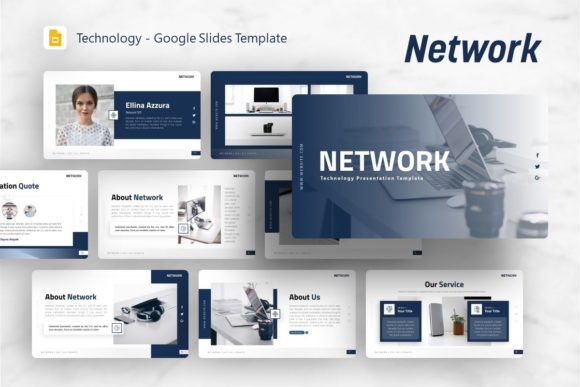
Creating a compelling presentation often feels like a balancing act between technical accuracy and visual storytelling. The Google Slides Template - Network is designed to bridge that gap, offering a structured yet flexible framework for communicating complex ideas. While the name suggests a focus on connectivity and technology, this template serves as a foundational design system adaptable to numerous contexts. It provides a cohesive visual language that helps users organize information logically without getting bogged down in formatting details. Whether you are explaining server architecture or showcasing a creative portfolio, the underlying grid and typography support clear communication.
Diverse Applications Beyond Technology
Although rooted in network technology concepts, the utility of this template extends far beyond IT departments. Different professionals approach presentation design with unique constraints and goals, and this resource accommodates those varying needs through its modular structure.
Creative Agencies and Portfolios
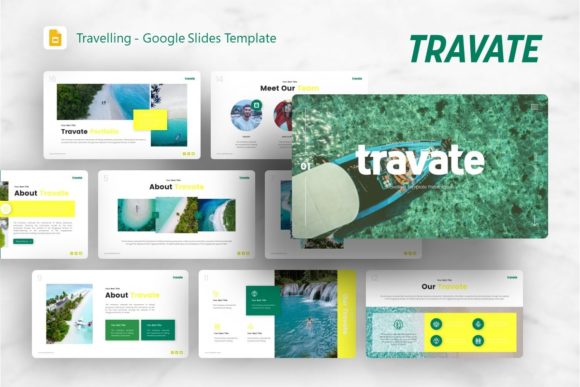
For designers and photographers, the primary concern is often how to display visual work without distraction. The template’s clean lines and ample whitespace allow images to take center stage. A photographer might use the picture placeholders to create a consistent gallery layout, while a creative agency could leverage the handcrafted infographics to explain their design process to clients. The pixel-perfect illustrations ensure that even when discussing abstract creative concepts, the presentation maintains a polished, professional aesthetic that reflects the agency's brand standards.
Startups and Pitch Decks
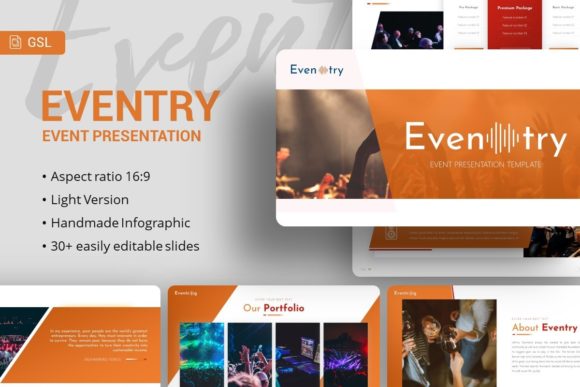
Entrepreneurs face the challenge of condensing vast amounts of business data into digestible narratives. Speed and clarity are paramount here. The 36 included slides provide a comprehensive library of layouts specifically useful for pitch decks, from problem-solution frameworks to market analysis charts. Because the contents are easily customizable, founders can swap out generic tech diagrams for specific business models without breaking the visual flow. This flexibility allows startups to iterate quickly based on investor feedback, changing data points or restructuring arguments without redesigning the entire deck from scratch.
Educators and Trainers
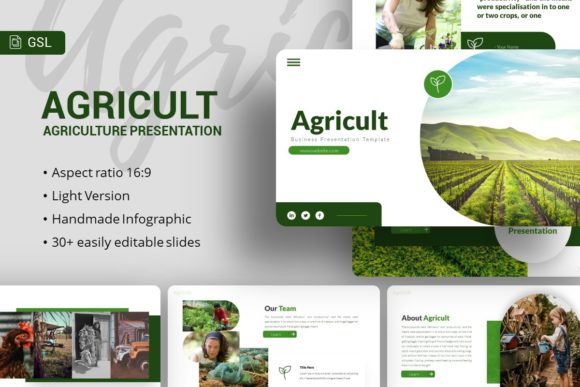
In educational settings, the priority shifts to retention and engagement. Teachers and corporate trainers can utilize the master slide features to maintain consistency across long lectures or training modules. The vector icons and resizable graphics serve as visual anchors that help students associate concepts with imagery. For example, an instructor teaching digital literacy might use the network-themed slides literally, while a business coach might repurpose those same connection diagrams to illustrate organizational hierarchy or team collaboration dynamics.
Evaluating Quality and Technical Features
When selecting a presentation asset, understanding the technical specifications helps determine if it aligns with your workflow. This template includes several features that impact both the creation process and the final output quality.
- Master Slide Architecture: Changes made to master slides propagate throughout the presentation, ensuring global consistency and saving time during edits.
- Vector-Based Graphics: All illustrations and icons are fully resizable and editable, preventing pixelation when projecting on large screens or high-resolution displays.
- Drag-and-Drop Placeholders: Image integration is streamlined, allowing users to update visuals instantly without manual cropping or alignment adjustments.
- Comprehensive Documentation: Included guides assist users in navigating the file structure, reducing the learning curve for those less familiar with advanced slide editing.
These technical elements matter differently depending on user expertise. Beginners benefit most from the documentation and pre-set placeholders, which reduce the intimidation factor of blank slides. Experienced designers, conversely, value the master slide setup and vector assets because they provide a robust starting point that can be deconstructed and rebuilt to fit bespoke project requirements.
Priorities Across User Experience Levels
The decision to adopt a specific template often hinges on what the user values most at their current stage of development. There is no single correct way to evaluate this resource; rather, its value is relative to individual objectives.
For Beginners and Hobbyists
Newcomers to presentation design typically prioritize ease of use and immediate results. They may lack the confidence to build layouts from scratch and fear producing something that looks amateurish. For this group, the Google Slides Template - Network acts as a safety net. The predefined color palettes and font pairings eliminate guesswork, while the drag-drop functionality makes content insertion intuitive. The learning value here is significant; by observing how professional layouts are constructed, beginners can internalize design principles like alignment, contrast, and hierarchy simply by using the tool.
For Professionals and Business Owners
Established professionals often weigh reliability and commercial value over novelty. They need assets that work consistently across different devices and export formats. The inclusion of a PowerPoint .PPTX file alongside Google Slides compatibility ensures that presentations remain accessible regardless of the client’s preferred software ecosystem. Business owners also consider long-term usefulness; a template with 36 diverse slides offers enough variety to serve multiple future projects, improving return on investment compared to single-use designs. The ability to edit every graphic means the template can be rebranded for different subsidiaries or campaigns without purchasing new assets.
For Marketers and Content Creators
This audience tends to focus on presentation speed and visual impact. In fast-paced marketing environments, the ability to produce high-quality collateral quickly is a competitive advantage. The handcrafted infographics save hours of custom illustration work, allowing marketers to visualize data trends or campaign funnels immediately. Furthermore, the semantic structure of the slides supports SEO-friendly content repurposing; well-organized slides can be easily converted into blog posts, social media carousels, or PDF lead magnets, extending the lifespan of the original content.
Determining Fit for Your Specific Goals
Before integrating this template into your workflow, consider how your specific project requirements align with its capabilities. Ask yourself whether the existing slide variety covers your core narrative arcs. If you require highly specialized technical diagrams not included in the set, assess whether the editable vector components can be modified to suit your needs or if external assets would be necessary.
Also, consider the balance between customization and convenience. While all elements are editable, extensive modification requires time and design proficiency. Users seeking a plug-and-play solution should verify that the default styling matches their brand guidelines closely enough to minimize rework. Conversely, those looking for a structural foundation should explore the master slides to ensure the underlying grid supports their intended content density.
Ultimately, the Google Slides Template - Network functions best as a versatile communication tool rather than a rigid constraint. Its strength lies in providing a professional baseline that respects the user's time while leaving sufficient room for individual expression. By understanding which features resonate with your specific role—whether that is the visual polish needed for a portfolio, the data visualization tools required for a startup pitch, or the consistent formatting essential for education—you can leverage this resource to enhance both the efficiency of your creation process and the effectiveness of your final presentation.